> ## Documentation Index
> Fetch the complete documentation index at: https://docs.callivox.com/llms.txt
> Use this file to discover all available pages before exploring further.
# Voice agents overview
> What a voice agent does, what your workspace needs before you can build one, and how inbound and outbound calling differ.
A voice agent is an AI agent that talks. It answers calls that come in, or places calls that go
out, holds a spoken conversation with the person on the line, and leaves you a recording, a
transcript and a summary afterwards.
 ## What you need first
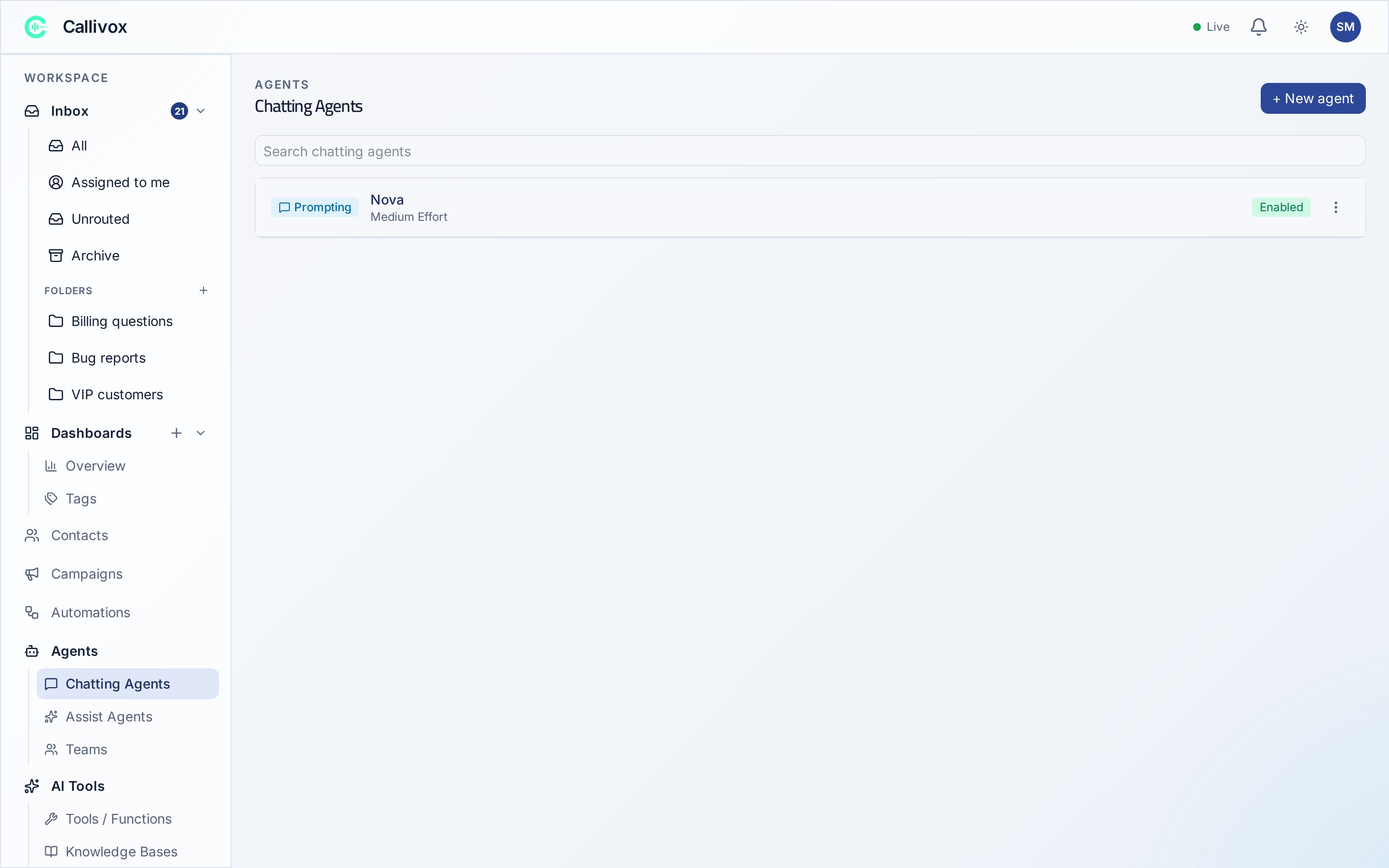
Voice agents live under **AI → Voice Agents**, and the page appears only when two things are true:
1. Your plan includes voice. See [Plans](/billing/plans).
2. A voice service is connected to your workspace.
If either is missing, the **Voice Agents** entry isn't in the sidebar at all. The whole AI section
is Admin-only.
Voice is charged by the minute, on top of the credits a conversation costs. See
[How credits are spent](/billing/how-credits-are-spent) before you put an agent on a busy line.
## Inbound and outbound
Every voice agent has a **Call direction**, set on its **General** tab. It's one or the other.
The agent picks up when someone rings the number attached to it. Use it for out-of-hours cover,
first-line triage, order status, or booking confirmations — anything that would otherwise ring
out.
The agent dials out. Use it for follow-ups, appointment reminders, lead qualification, or
checking in after a delivery. Calls can be placed one at a time from the dialer, or triggered
by an [automation](/automations/overview).
New voice agents start as **Outbound**.
## How voice agents relate to chatting agents
Voice agents and [chatting agents](/ai-agents/overview) are built in different places and behave
differently, even though the ideas overlap.
| | Chatting agent | Voice agent |
| --------------- | ------------------------------------------------------------------------------------ | --------------------------------------------------- |
| Where | **AI → Chatting Agents** | **AI → Voice Agents** |
| Talks over | WhatsApp, Telegram, Instagram, Facebook Messenger, TikTok, email, the website widget | The phone |
| Configured with | A system prompt, or a flow you draw | A system prompt |
| Also has | Bindings, teams, objectives | A voice, a language, a phone number, call tuning |
| Result | Messages in the [inbox](/inbox/overview) | A call log with a recording, transcript and summary |
What carries across:
* **The prompt is written the same way.** Everything in
[Prompt, knowledge and tools](/ai-agents/prompt-knowledge-and-tools) about role, tone and rules
applies, with one difference: the customer hears it rather than reads it.
* **Knowledge bases are shared.** The same knowledge base can serve a chatting agent and a voice
agent.
* **Custom tools are shared.** Tools you build under **AI → Tools / Functions** can be attached to
a voice agent too.
What doesn't carry across: a voice agent has no bindings, no flow canvas, and no
[team](/ai-agents/teams) membership. It's attached to a phone number rather than to a channel, and
it has its own set of built-in call actions — transferring the call, collecting keypad input,
ending the call.
## Next steps
Direction, language, voice, number and prompt.
Pick a voice, and what the advanced settings actually change.
Recordings, transcripts, summaries and the dialer.
The text side of the same idea.
## What you need first
Voice agents live under **AI → Voice Agents**, and the page appears only when two things are true:
1. Your plan includes voice. See [Plans](/billing/plans).
2. A voice service is connected to your workspace.
If either is missing, the **Voice Agents** entry isn't in the sidebar at all. The whole AI section
is Admin-only.
Voice is charged by the minute, on top of the credits a conversation costs. See
[How credits are spent](/billing/how-credits-are-spent) before you put an agent on a busy line.
## Inbound and outbound
Every voice agent has a **Call direction**, set on its **General** tab. It's one or the other.
The agent picks up when someone rings the number attached to it. Use it for out-of-hours cover,
first-line triage, order status, or booking confirmations — anything that would otherwise ring
out.
The agent dials out. Use it for follow-ups, appointment reminders, lead qualification, or
checking in after a delivery. Calls can be placed one at a time from the dialer, or triggered
by an [automation](/automations/overview).
New voice agents start as **Outbound**.
## How voice agents relate to chatting agents
Voice agents and [chatting agents](/ai-agents/overview) are built in different places and behave
differently, even though the ideas overlap.
| | Chatting agent | Voice agent |
| --------------- | ------------------------------------------------------------------------------------ | --------------------------------------------------- |
| Where | **AI → Chatting Agents** | **AI → Voice Agents** |
| Talks over | WhatsApp, Telegram, Instagram, Facebook Messenger, TikTok, email, the website widget | The phone |
| Configured with | A system prompt, or a flow you draw | A system prompt |
| Also has | Bindings, teams, objectives | A voice, a language, a phone number, call tuning |
| Result | Messages in the [inbox](/inbox/overview) | A call log with a recording, transcript and summary |
What carries across:
* **The prompt is written the same way.** Everything in
[Prompt, knowledge and tools](/ai-agents/prompt-knowledge-and-tools) about role, tone and rules
applies, with one difference: the customer hears it rather than reads it.
* **Knowledge bases are shared.** The same knowledge base can serve a chatting agent and a voice
agent.
* **Custom tools are shared.** Tools you build under **AI → Tools / Functions** can be attached to
a voice agent too.
What doesn't carry across: a voice agent has no bindings, no flow canvas, and no
[team](/ai-agents/teams) membership. It's attached to a phone number rather than to a channel, and
it has its own set of built-in call actions — transferring the call, collecting keypad input,
ending the call.
## Next steps
Direction, language, voice, number and prompt.
Pick a voice, and what the advanced settings actually change.
Recordings, transcripts, summaries and the dialer.
The text side of the same idea.