> ## Documentation Index
> Fetch the complete documentation index at: https://docs.callivox.com/llms.txt
> Use this file to discover all available pages before exploring further.
# Creating your account
> Sign up for Callivox, verify your email and sign in to your new workspace.
Creating an account creates a **workspace** — your company's Callivox account — and makes you its first Admin. It takes a minute.
 ## Sign up
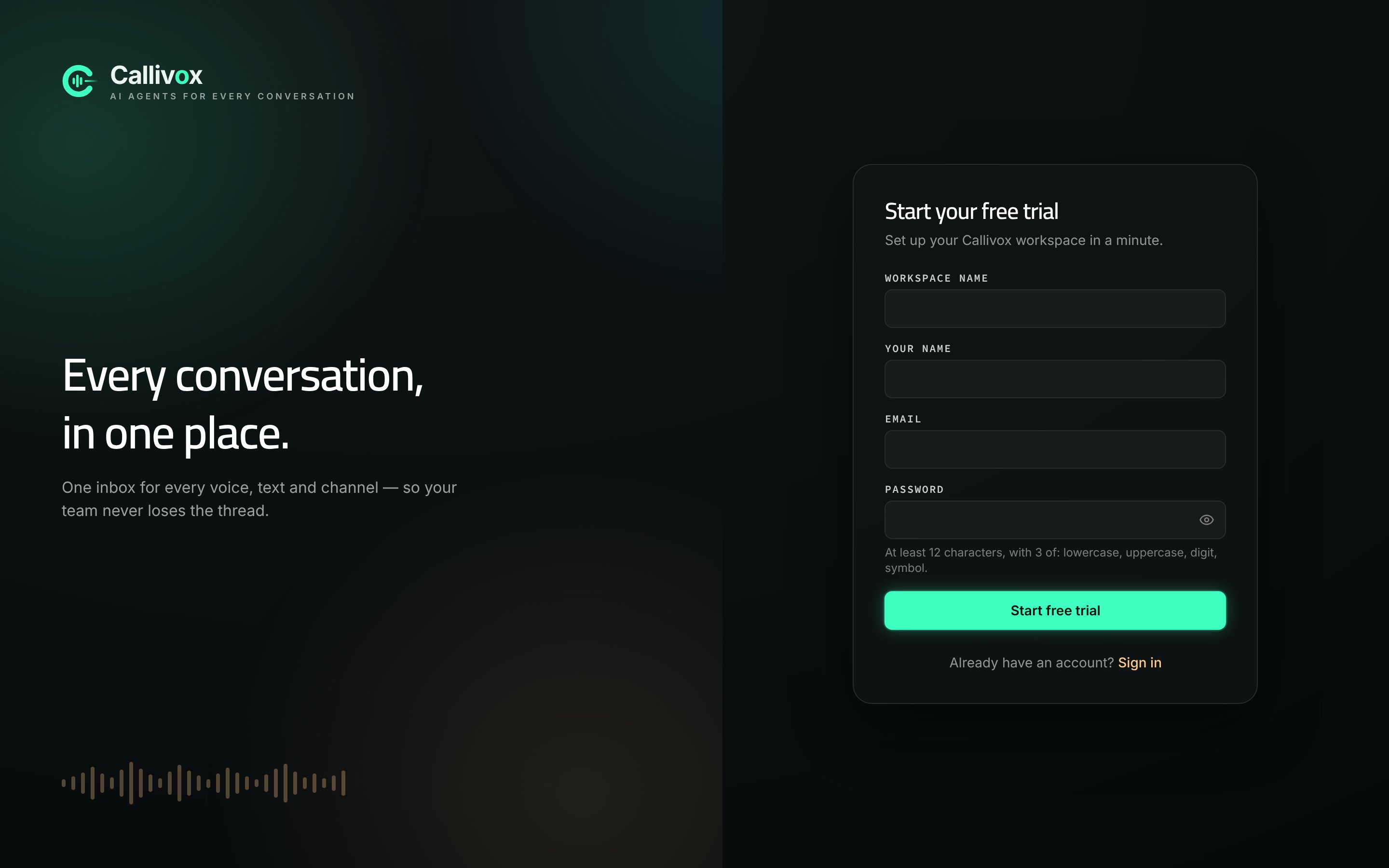
Open [hub.callivox.com](https://hub.callivox.com/) and choose **Start free trial**, or go straight to the sign-up page. If you arrived from the pricing page having picked a plan, the page confirms which plan your trial is for.
Four fields:
| Field | What to enter |
| ------------------ | --------------------------------------------------------------------------------- |
| **Workspace name** | Your company or team name. It appears in the app and on your billing. |
| **Your name** | How you appear to teammates in the inbox. |
| **Email** | Your work email address. This is also your sign-in name. |
| **Password** | At least 12 characters, using at least 3 of: lowercase, uppercase, digit, symbol. |
Complete the verification box below the password field, then choose **Start free trial**.
Callivox sends a verification link to the address you signed up with. Open it to confirm the address. Check your spam folder if it does not arrive within a few minutes.
Your trial starts immediately and runs for 14 days with a starting balance of credits, so you can connect a channel and watch a real conversation come in before you pay anything. See [Plans](/billing/plans).
## Signing in
Sign in at [hub.callivox.com](https://hub.callivox.com/) with your email and password. **Remember me** keeps your email filled in on that browser. If your workspace requires two-factor authentication, you are asked for a 6-digit code after your password.
Forgotten your password? Choose **Forgot password?** on the sign-in page and follow the emailed link. The same 12-character rule applies to the new password.
## Adding your team
Once you are in, an Admin adds the rest of the team from **Settings → Users** by creating each person with an initial password, which they change on first sign-in. There is no self-service invite link. See [Workspace and users](/settings/workspace-and-users).
The first person to sign up owns the workspace and is an **Admin**. Anyone added later can be an Admin or a Member — Members work the inbox but cannot change workspace settings.
## What is next
The three-step wizard: choose a plan, connect a channel, done.
Pick the channel that fits and get messages flowing.
## Sign up
Open [hub.callivox.com](https://hub.callivox.com/) and choose **Start free trial**, or go straight to the sign-up page. If you arrived from the pricing page having picked a plan, the page confirms which plan your trial is for.
Four fields:
| Field | What to enter |
| ------------------ | --------------------------------------------------------------------------------- |
| **Workspace name** | Your company or team name. It appears in the app and on your billing. |
| **Your name** | How you appear to teammates in the inbox. |
| **Email** | Your work email address. This is also your sign-in name. |
| **Password** | At least 12 characters, using at least 3 of: lowercase, uppercase, digit, symbol. |
Complete the verification box below the password field, then choose **Start free trial**.
Callivox sends a verification link to the address you signed up with. Open it to confirm the address. Check your spam folder if it does not arrive within a few minutes.
Your trial starts immediately and runs for 14 days with a starting balance of credits, so you can connect a channel and watch a real conversation come in before you pay anything. See [Plans](/billing/plans).
## Signing in
Sign in at [hub.callivox.com](https://hub.callivox.com/) with your email and password. **Remember me** keeps your email filled in on that browser. If your workspace requires two-factor authentication, you are asked for a 6-digit code after your password.
Forgotten your password? Choose **Forgot password?** on the sign-in page and follow the emailed link. The same 12-character rule applies to the new password.
## Adding your team
Once you are in, an Admin adds the rest of the team from **Settings → Users** by creating each person with an initial password, which they change on first sign-in. There is no self-service invite link. See [Workspace and users](/settings/workspace-and-users).
The first person to sign up owns the workspace and is an **Admin**. Anyone added later can be an Admin or a Member — Members work the inbox but cannot change workspace settings.
## What is next
The three-step wizard: choose a plan, connect a channel, done.
Pick the channel that fits and get messages flowing.